
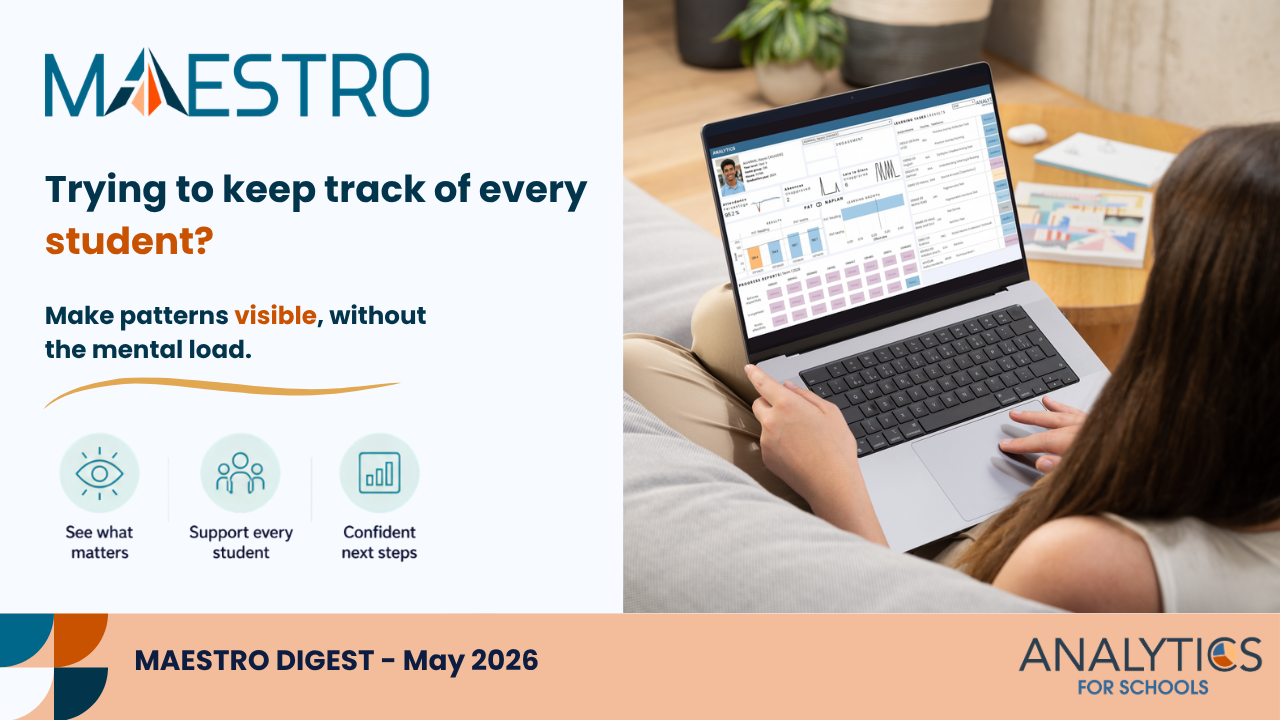
May has arrived, and it was one of the warmest Aprils on record in Melbourne. It still feels like autumn hasn’t quite settled in, even as the term moves on. Around now, the pace picks up again, and it becomes harder to keep track of where each student is at without some kind of system.
What’s New in MAESTRO
This month’s updates focus on making MAESTRO easier to access, easier to use, and more flexible for schools.
Easier Access for New Users
Getting started with MAESTRO is now simpler.
New users can activate their accounts directly from the MAESTRO login page, without needing a time-limited invitation link from the school.
In practice: Less back-and-forth setting up accounts, especially helpful when onboarding new staff, students, or parents.
Why it matters: Faster access, fewer delays, and less admin for schools.
Feed Updates with Email Notifications
Schools can now choose to send email notifications when posting to the MAESTRO Feed.
In practice: Important updates such as reminders, deadlines, or announcements can reach users even if they’re not logged into MAESTRO.
Why it matters: Better communication and fewer missed messages.
Export Assessment Results
Assessment results entered into MAESTRO Data Entry module can now be exported.
In practice: Schools can continue to explore data within MAESTRO, while also having the flexibility to download and use it externally if needed.
Why it matters: More control over your data, without losing the benefits of centralised analysis.
What’s Coming Next
We’re continuing to improve how data is visualised and used across MAESTRO.
This includes:
- Enhanced statistics for Data Entry (Assessments and Surveys)
- New Formative Assessment Dashboards
More to come in the next editions.

Actionable Insight
Relying on Memory to Track Students
Most teachers carry a mental list of students who need support, extension, or a quiet check-in. It works, up to a point. But as the term fills up, that mental tracking can start to slip. Students move in and out of focus, and it becomes harder to see patterns across the class.
If you’re noticing that happening, a few small shifts can help:
- Pick one class and list the 3–5 students you think need the most support, then check this against MAESTRO to see what attendance, achievement, or other data shows
- Use the class dashboard to scan for students who have not been on your radar recently but may need attention
- Look across attendance, behaviour, and results together to spot patterns that are harder to see when thinking about students one at a time
- Use MAESTRO to identify a small group with a shared need, then plan one short targeted activity or discussion for them in the next lesson
- Revisit a recent task and use the class view to find students who are close to the next step, not just those who are struggling
These are small moves, but they can make tracking feel more visible and less reliant on memory alone.
MAESTRO supports this by bringing different signals together in one place, so it’s easier to see patterns and decide where to focus next.
If You’ve Got Time
Teach Like a Champion blog
A practical look at how quick checks like exit tickets can reveal patterns, but also why what you notice in the moment isn’t always the full picture.
https://teachlikeachampion.org/blog/kate-jones-exit-tickets-performance-long-term-learning
We hope May brings a steady rhythm back into the term. If we can help you make sense of your data or reduce the load of keeping track of students, please reach out!
From your team at Analytics for Schools 📈