
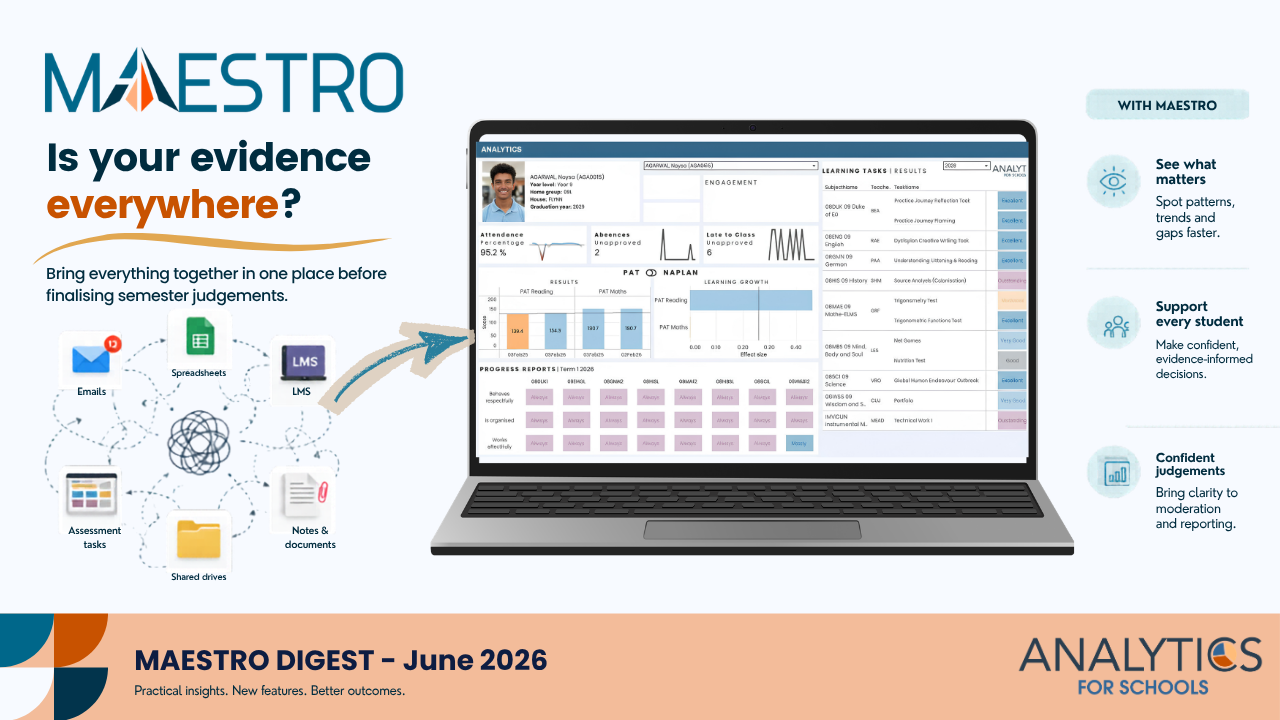
Winter has arrived properly in Melbourne now. The mornings are darker, everyone seems more tired, and schools are moving into that stretch of the term where assessment piles up quickly. With semester judgements approaching, this is also the point where many teachers start trying to pull together evidence from too many different places.
What’s New in MAESTRO
🏠 Role-Based Home Dashboards
Schools can now configure a default dashboard for each user role.
Whether you’re a teacher, school leader, or administrator, MAESTRO can open directly to the dashboard that is most relevant to your role, ensuring the information you need is immediately available when you log in.
In practice:Teachers can land directly on classroom insights, while leaders can access school-wide analytics without additional navigation.
Why it matters: Less clicking, faster access to key information, and a more personalised experience for every user.
🔐 Easier Access with DET Single Sign-On
Schools using Victorian Department of Education authentication benefit from updated Single Sign-On (SSO) integration through EduPass.
We’ve made a range of backend improvements to align with current DET authentication requirements.
In practice: Staff can access MAESTRO using the same credentials they already use across their school systems.
Why it matters: Fewer login issues, less password management, and a simpler experience for both users and IT teams.
📊 Simplified Developmental Rubric Marking
Marking developmental rubrics is now even easier.
Teachers can choose to hide levels that are not being assessed in a particular unit, reducing visual clutter across Individual Marking, Bulk Marking, and Group Marking views.
In practice: Teachers only see the levels that are relevant to the assessment task they are marking.
Why it matters: Cleaner marking screens, faster navigation, and more focus on the evidence that matters.Actionable Insight
Actionable Insight
Using MAESTRO Before Finalising Judgements
Finalising semester judgements becomes much harder when evidence is scattered across spreadsheets, LMS pages, emails, and memory. Before locking anything in, it can help to spend a short block of time reviewing the evidence in one place rather than relying on impressions built up across the term.
A few practical things worth trying this week:
- Open the class snapshot first and look for any students whose results surprise you
- Check assessment history across multiple tasks before finalising borderline decisions
- Review rubric judgements to see whether patterns are consistent or uneven
- Compare students sitting at similar achievement levels to test whether your judgements feel coherent
- Use shared rubric language during moderation conversations rather than relying on general impressions
- Check whether attendance or engagement patterns may help explain unusual assessment results
MAESTRO does not make the judgement for you. It simply makes the evidence easier to see before the judgement is made.
If You’ve Got Time
AITSL provides a short resource on assessment, feedback and reporting. Useful for connecting evidence, feedback, moderation and reporting practice.
Assess, provide feedback and report on student learning
We hope the final weeks of term run smoothly and that judgement season feels slightly less frantic than usual. If we can help your team make better use of assessment evidence inside MAESTRO, please reach out:
From your team at Analytics for Schools 📈